
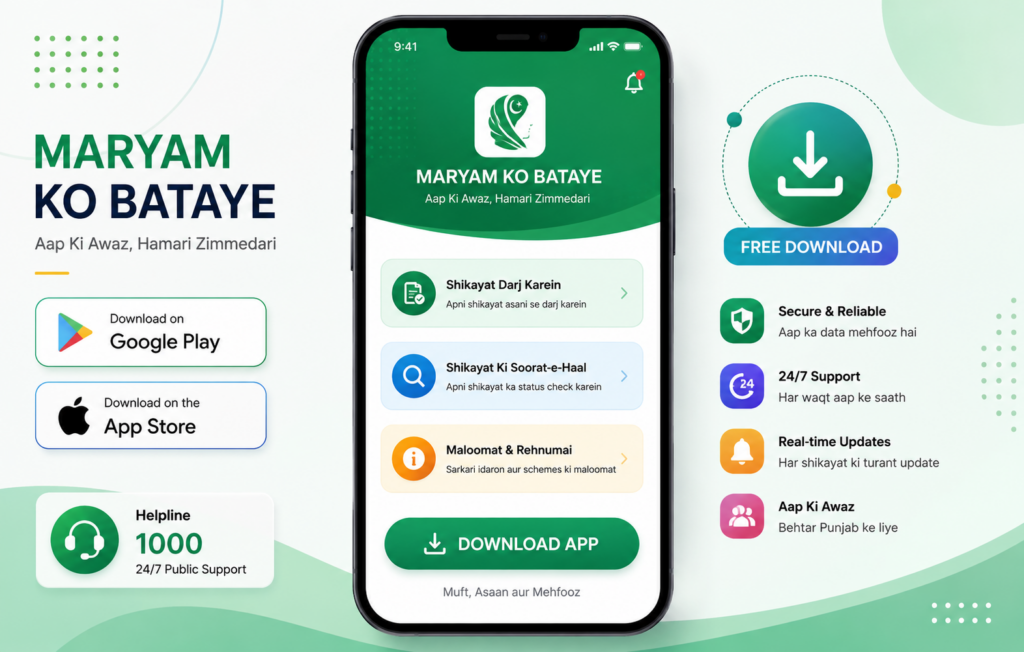
Important Note: This is an independent informational guide blog. To visit the official Maryam Ko Bataye portal, please use the direct link: MKB Official Portal .
Official Mobile App Download Guide
The Punjab Information Technology Board (PITB) has introduced a user-friendly mobile application for the Maryam Ko Bataye initiative, making it easier for citizens to access related services and information. For your safety and privacy, always download the app only from official and trusted sources. Avoid unofficial, modified, or third-party versions that may put your personal information at risk.
How to Download on Android
If you are an Android user, follow these steps to install the app:
- Open the Google Play Store on your smartphone.
- In the search bar, type “Maryam Ko Batayn” or “Maryam Ko Batain”.
- Select the official app developed by Punjab Information Technology Board (PITB).
- Tap Install and wait for the application to download.
How to Download on iPhone (iOS)
For iPhone users, the app is available on the App Store:
- Open the Apple App Store on your iOS device.
- Search for “Maryam Ko Batayn”.
- Locate the official government app and click Get.
🚨 Beware of Fake Applications!
There are multiple unauthorized apps on the Google Play Store using similar names to steal CNIC data. Always verify that the developer name is listed as Punjab Information Technology Board. The official registration process is completely free.
Alternative Option: Web Portal
If your device lacks storage or you prefer using a desktop, you can complete all tasks, registration, and tracking on the official web portal at mkb.punjab.gov.pk.
Looking for Bike Financing?
If you are downloading the app to apply for student schemes, check out the Punjab electric bike monthly payment options to understand the installment plan, down payments, and verified registration details.